How Warsha works
Simple for car owners, fair for providers, and clear at every step.
From request to invoice
Sign in with your mobile number
You receive a one-time code by SMS. There are no passwords to remember.
Add your car
Make, model, year and plate, so the provider comes ready for your car.
Choose a service and describe the problem
Answer a few short questions and add photos if you like.
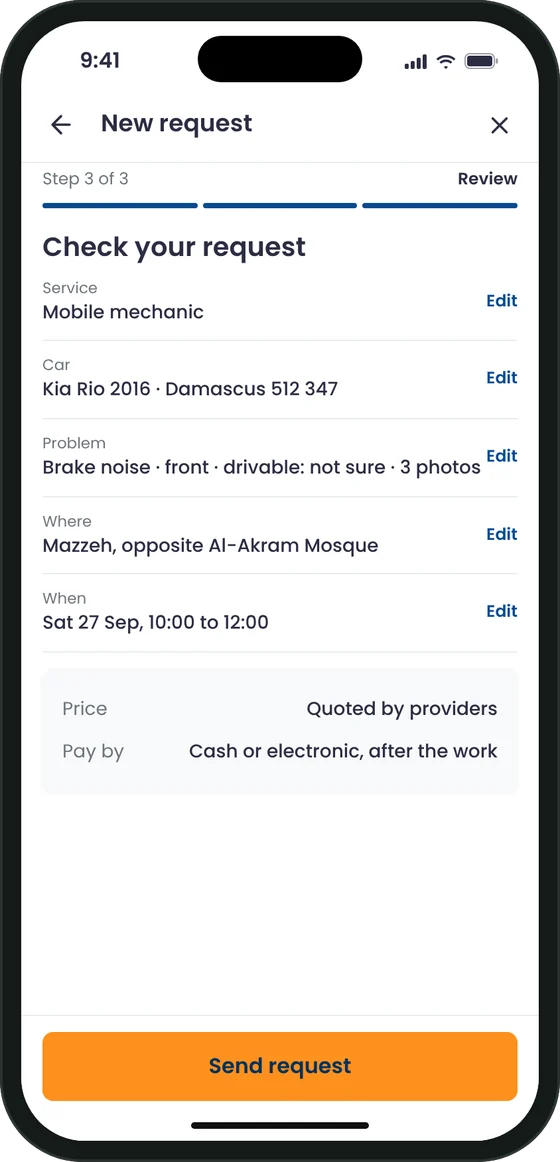
Confirm the location and the time
As soon as possible, or a time window that suits you.
Compare quotes and choose
Verified providers send quotes. Compare price, rating and distance, then accept one. In an emergency, the nearest available verified provider is assigned to you directly.
Track your provider
Follow them live in the app. When they arrive, check their name, photo and vehicle plate, and give them your arrival code.
Approve extra work, or not
If more work is needed, the provider sends the reason, the price and photos. Nothing extra is done or charged unless you approve it.
Confirm, pay and rate
Confirm the job is done, receive your electronic invoice in the app and by email, pay, and rate the service.
From registration to payout
Register
Sign in to the provider app with your mobile number and choose your business type.
Get verified
Upload your ID, a selfie and your licences. Warsha reviews every document by hand.
Go online
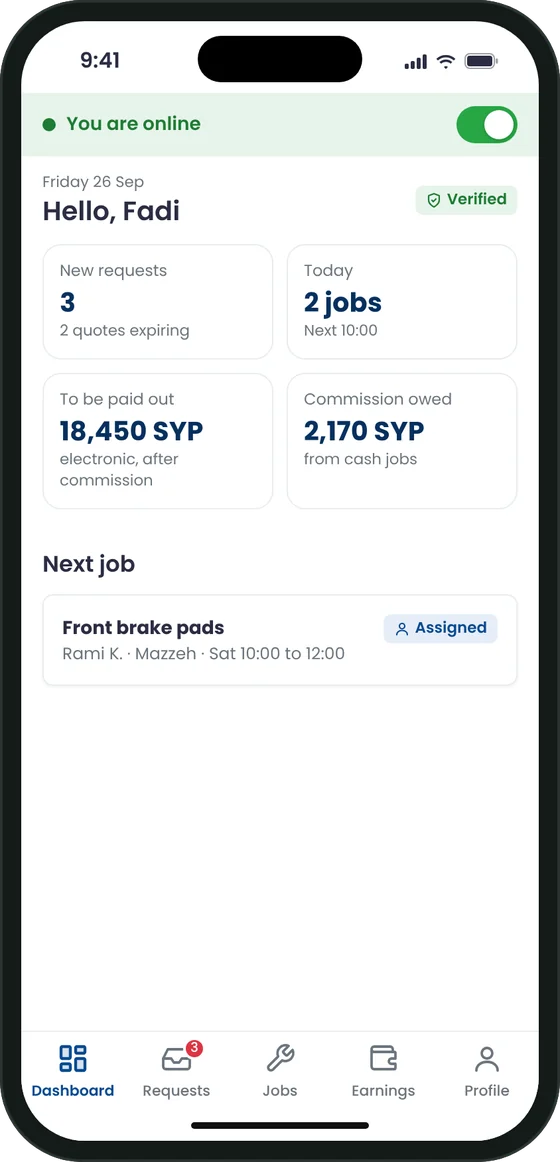
Set your services, area and working hours, then switch on to receive requests.
Quote and do the job
Send itemised quotes, accept emergency jobs, and record the work with photos.
Get paid
Cash jobs are paid to you directly. Electronic payments are paid out to your bank account.
Be the first to use Warsha
The Warsha app is in its final stage of development. Leave your email and we will tell you the day it is available on iPhone and Android.
- One email at launch. No spam.
- Service providers can register their interest now.